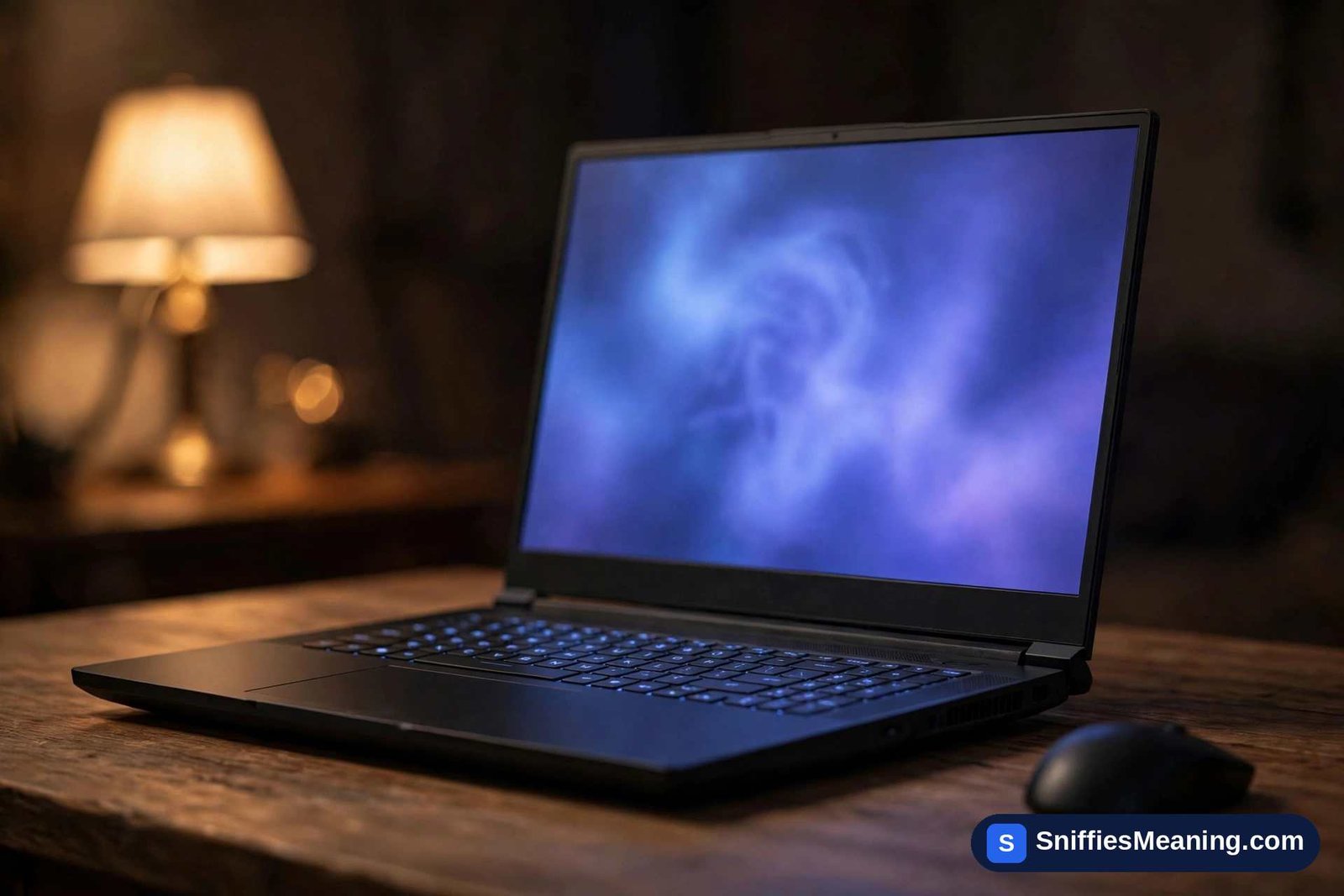
Clevo PA71: Real Specs by Variant — PA71HS-G vs PA71ES-G
The clevo pa71 is a real machine — but it is not one laptop with one fixed spec sheet. It is a 17.3-inch gaming barebone built by the Taiwanese manufacturer Clevo and sold under reseller brands, in two main generations whose parts differ. That split is why the single merged “specs” repeated across blogs contradict themselves.
Clevo does not sell laptops under its own name in shops. It supplies barebone machines to system integrators — Schenker (XMG), PC Specialist, Prostar and similar vendors — who configure and badge them. The PA71’s paper trail is genuine: Notebookcheck, the specialist review site, tested a Schenker XMG Pro 17 built on the PA71HS-G variant in full.
This page separates what is documented from what is not: the verified hardware of each PA71 variant, the popular claims that fail checking (a GTX 1080 version, a universal 144Hz panel, 64GB of RAM), how to tell which variant a listing is really selling, and how the PA71 differs from the PB71 successor it is so often confused with.

Clevo PA71 – Profile Biography Table
| Feature | Details |
|---|---|
| Brand | Clevo (Taiwan) — a barebone maker; machines reach buyers through resellers |
| Model | PA71 — 17.3-inch gaming barebone family |
| Documented variants | PA71HS-G (2017 generation) and PA71ES-G (2018 refresh) |
| Sold as | Schenker XMG Pro 17, PC Specialist Defiance IV, Prostar Clevo PA71ES-G, among others |
| Display | 17.3-inch G-Sync panels: Full HD, QHD or 4K UHD depending on the build |
| Processor | Intel Core i7-7700HQ (PA71HS-G) / Intel Core i7-8750H (PA71ES-G) |
| Graphics Card | NVIDIA GeForce GTX 1060 or GTX 1070 (documented for the PA71HS-G) |
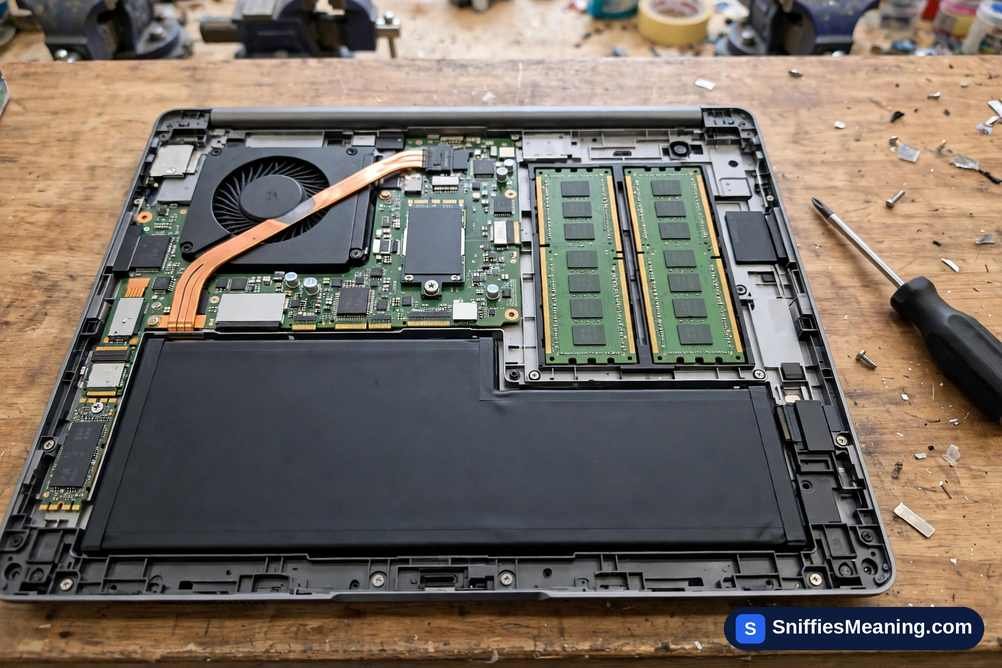
| RAM | Up to 32GB DDR4, two SO-DIMM slots |
| Storage | Up to three drives: two M.2 slots + one 2.5-inch bay, fitted by the reseller |
| Battery | 66 Wh, 4-cell (Notebookcheck’s PA71HS-G test unit) |
| Weight | About 3.1 kg measured (Notebookcheck, XMG Pro 17 configuration) |
| Status | Discontinued; the reseller lines moved to Clevo’s PB71 family |
Clevo PA71 Variants: PA71HS-G vs PA71ES-G
Almost every error in the PA71’s online coverage comes from treating the family as one machine. There are two documented generations:
- PA71HS-G (2017 generation): Intel HM175 chipset and a quad-core Core i7-7700HQ, with a documented choice of GeForce GTX 1060 (6GB) or GeForce GTX 1070 graphics. This is the variant with a full paper trail: Notebookcheck reviewed it as the Schenker XMG Pro 17 and noted the same barebone in PC Specialist’s Defiance IV.
- PA71ES-G (2018 refresh): the same concept on Intel’s HM370 platform with the six-core Core i7-8750H, documented in reseller listings such as Prostar’s. Configurations again varied by seller.
So when one page lists an i7-7700HQ and the next an i7-8750H, both can be describing a real PA71 — just different variants. The specification of any individual machine depends on its variant code and on the configuration its reseller fitted. This is the opposite problem from a name like about zo35-g25da74 model tv, where no catalogue or review record exists at all: the PA71’s record exists, but it is split, and any honest spec sheet has to say which half it is describing.
Sleek and Solid Design
The PA71 chassis measures 419 × 287 × 25 mm in Notebookcheck’s test of the XMG Pro 17 — slim for a 17.3-inch gaming machine of its period — and the tested configuration weighed just under 3.1 kg. The styling is understated for a gaming laptop: a plain, dark chassis rather than the aggressive shapes gaming brands favoured at the time.
Treat rounder blog numbers with care. Pages quoting 2.7 kg or a 23.5 mm thickness for “the PA71” do not match the one configuration a reviewer actually measured and weighed; weight varies a little with the drives fitted, but ~3.1 kg is the documented figure, not 2.7 kg.
Vivid Display for Gaming and Multimedia
Every documented PA71 panel is a 17.3-inch G-Sync display, but the resolution and refresh rate were build choices, not a single standard: resellers offered Full HD panels (a 120Hz panel appears in the Defiance IV build), a QHD option, and a 4K UHD IPS panel. Notebookcheck’s XMG Pro 17 test unit carried that 4K panel (AU Optronics B173ZAN01.0, 60Hz, matte) and measured full sRGB coverage from it — genuinely strong colour for creative work, on that configuration.
That is why the “17.3-inch Full HD IPS, 144Hz” line printed as the PA71 display spec does not hold up: no authoritative source documents a 144Hz panel for the PA71 family. A fixed 144Hz Full HD G-Sync panel is documented — on the PB71 successor covered below. If a listing’s headline feature is its 144Hz screen, check which family the machine actually belongs to before paying for it.
High-End Performance with Intel and NVIDIA
Performance follows the variant split:
- PA71HS-G: Core i7-7700HQ (quad-core Kaby Lake) with GeForce GTX 1060 6GB or GTX 1070 — the combination Notebookcheck documented and benchmarked in the XMG Pro 17.
- PA71ES-G: Core i7-8750H (six-core Coffee Lake) per reseller listings, with GTX 10-series graphics configured by the seller.
Two popular claims fail verification outright. First, no authoritative source documents a GTX 1080 version of the PA71: that GPU lived in Clevo’s thicker desktop-replacement chassis, and the “GTX 1080” wording traces to garbled aggregator listings (one renders it as “Dual NVIDIA GeForce GTX 1080” — in a single-GPU slim chassis). Second, RTX graphics (RTX 2060/2070) and the Core i7-9750H belong to the PB71, not to any PA71 variant; pages printing them as PA71 specs have merged two generations.
Exceptional Keyboard and Touchpad
The keyboard is a full-size chiclet board with a numeric keypad and full RGB backlighting (Notebookcheck’s feature list for the XMG Pro 17), and the chassis also carries a fingerprint reader. The touchpad is a standard precision unit with multi-gesture support — accurate enough for desktop work, though, as with any gaming laptop, most players will plug in a mouse for games.
Sound Quality and Cooling System
Audio comes from a 2.1 speaker setup driven by a Realtek ALC892 codec in the tested unit — serviceable for video and casual listening, with headphones or external speakers the obvious upgrade for games and editing. Cooling is handled by a dual-fan system with heat pipes sized for the GTX 1070-class hardware; under sustained gaming load the fans are clearly audible, the normal trade-off in this class and era of machine.
Battery Life and Portability
The battery is a 66 Wh 4-cell unit — small next to the hardware it feeds — and the power supply is a 230W adapter (Notebookcheck’s test unit). Clevo never published an official runtime figure, and neither did its resellers: the “3–4 hours” repeated across blogs is an estimate, not a specification. Realistically, expect a few hours of light work at most and far less in a game. At about 3.1 kg before the adapter, the PA71 is a desktop replacement you can move, not a travel laptop.
Expandability and Customization
This is the family’s real strength, and it is also where the blogs overstate things:
- RAM: two SO-DIMM slots, up to 32GB of DDR4 — not 64GB. The 64GB figure belongs to four-slot Clevo workstation chassis; Notebookcheck’s PA71 test unit maxed its two slots at 2 × 16GB.
- Storage: two M.2 slots plus a 2.5-inch bay — up to three drives, the classic SSD + HDD pairing included.
- Wireless card: swappable, as on most barebones of the period.
- CPU and GPU: these were configuration choices at purchase, not later upgrades — the mobile processors and graphics in this slim chassis are soldered parts. A seller describing a PA71’s GPU as “upgradeable” is describing the configurator it was ordered from, years ago.
How to Tell Which PA71 Variant You Are Looking At
Because listings merge the family into one fictional machine, identify the actual unit before trusting any spec attached to it:
- Read the underside label. Clevo’s label carries the full variant code — PA71HS-G or PA71ES-G. The code, not the seller’s headline, defines the platform.
- Check the CPU in the system settings. A Core i7-7700HQ means the HS generation (HM175); a Core i7-8750H means the ES generation (HM370). If the listing says “PA71” but shows an i7-9750H or RTX graphics, it is a PB71.
- Cross-check the reseller model name. XMG Pro 17 (2017–18) and Defiance IV units are PA71HS-G machines; a Prostar listing under the PA71ES-G name is the refresh.
- Ask for the panel and GPU in writing. Both were configuration options, so two genuine PA71s can legitimately differ.
It is the same label-first approach that settles most mystery model codes — the approach used when checking how to install 35-ds3chipdus3, where the label is the only evidence that counts because no product record exists behind the string at all.
Ideal Use Cases for Clevo PA71
- Gaming: GTX 1070 configurations with a G-Sync panel were strong Full HD machines in their day, and remain usable for 1080p gaming in older and lighter titles.
- Content Creation: the 4K IPS configuration’s measured full-sRGB coverage suits photo and video work; the six-core ES variant helps rendering.
- Programming & Development: two SO-DIMM slots, room for three drives and a full port set (including Thunderbolt 3 and three mini DisplayPorts on the tested unit) make a flexible workstation.
- Virtual Reality: GTX 1060 and GTX 1070 configurations were sold as VR-ready in their period; verify the exact GPU in any unit you are considering.
Pros and Cons of Clevo PA71
| Pros | Cons |
|---|---|
| Documented GTX 1070 performance for its era | About 3.1 kg — a desktop replacement, not a travel laptop |
| G-Sync display options, including a colour-accurate 4K IPS panel | Small 66 Wh battery for the hardware it powers |
| Room for three storage drives; RAM easily upgraded | Fans are audible under sustained gaming load |
| Thunderbolt 3, HDMI and three mini DisplayPorts on the tested unit | Discontinued — drivers and support run through resellers |
| Understated, slim-for-its-class chassis (25 mm) | Listings routinely merge the two variants into one wrong spec sheet |
Clevo PA71 vs PB71: The Successor It Is Often Confused With
The PA71 did not run for long. Notebookcheck’s later review of the XMG Pro 17 states the change directly: where the earlier system was based on the Clevo barebone PA71HS-G, the new one is based on the PB71RD-G chassis — lighter (2.8 kg) and built around the Core i7-9750H, GeForce RTX 2060/2070 options and a fixed 144Hz Full HD G-Sync display.
That one paragraph explains most of the PA71’s polluted search results. The RTX graphics, the 9750H and the 144Hz panel that blogs attach to the “PA71” are the PB71’s documented specifications, copied onto the wrong model name. The two families share a job — 17.3-inch reseller gaming laptops — but they are different machines with different parts, and a buyer should never pay PB71 money for a PA71, or vice versa.
Is the Clevo PA71 Still Worth Buying?
As a new machine, the question is closed: the PA71 is discontinued, and the reseller lines that carried it moved to the PB71 and beyond. Its period pricing shows what it was — when Notebookcheck reviewed the XMG Pro 17, Schenker’s prices started at €1,449 for a base Full HD configuration without an operating system.
On the used market, worth depends entirely on the individual unit: which variant, which GPU and panel it actually has, the health of its battery and cooling (old fans and dried-out thermal paste are the common issues), and whether its specification has been stated honestly. A correctly described GTX 1070 unit remains a capable 1080p machine; a vaguely described “PA71” with merged specs is a gamble. This page deliberately quotes no current price, because used prices are set by marketplaces and condition, not by any list.
Clevo PA71 Drivers and Support: Where Updates Actually Come From
A barebone’s support chain is its reseller, not its ODM. BIOS updates, drivers and the control-center software for a PA71-family machine come from the support pages of the company that sold it — Schenker/XMG, PC Specialist, Prostar, Sager and their peers — matched to the reseller model name and the variant code on the underside label.
Two safety rules follow. Never download “Clevo PA71 drivers” from generic driver-download sites: at best they are the wrong variant’s package, at worst they are bundled with junk software. And never pay a third-party “support” service for files the reseller provides free — an unverifiable model page is exactly where that kind of offer tends to appear.
Conclusion
The Clevo PA71 is a documented, genuinely sold piece of hardware: a 17.3-inch gaming barebone from Taiwan’s Clevo, offered as the PA71HS-G (Core i7-7700HQ, GTX 1060/1070) and refreshed as the PA71ES-G (Core i7-8750H), and reviewed in full under reseller names such as Schenker’s XMG Pro 17. What does not exist is the single super-specification the blogs assembled from it — no GTX 1080 version, no standard 144Hz panel, no 64GB of RAM, and no RTX model; those parts belong to other Clevo chassis or to the PB71 successor.
Read any PA71 listing the way you would read the machine itself: variant code first, configuration second, headline last. The PA71 is best understood as a barebone computer platform that a reseller completed — which is why the reseller’s configuration sheet, and not any one blog’s table, is the spec sheet that counts.
FAQs About Clevo PA71
What GPU comes with the Clevo PA71?
It depends on the variant: the documented PA71HS-G was sold with a GeForce GTX 1060 or GTX 1070.
No authoritative source documents a GTX 1080 version, whatever some listings claim.
Is the Clevo PA71 good for gaming?
For its era, yes — GTX 1070 builds with G-Sync panels were strong Full HD machines.
Today it is a used buy for 1080p gaming, not a machine for ray-traced titles.
Can I upgrade the RAM on the Clevo PA71?
Yes — it has two SO-DIMM slots and supports up to 32GB of DDR4.
Storage is upgradeable too, across two M.2 slots and a 2.5-inch bay.
Does the Clevo PA71 support VR gaming?
The GTX 1060 and GTX 1070 configurations were sold as VR-ready in their day.
Check the exact GPU fitted in the unit you are looking at before relying on it.
What is the battery life of the Clevo PA71?
The battery is a 66 Wh 4-cell unit, small for this hardware, and no official runtime was ever published.
Expect a few hours of light use at best, and much less in games.
Where can I buy a Clevo PA71?
It is discontinued, so today’s supply is used and refurbished listings.
It was sold by Clevo resellers such as Schenker (XMG), PC Specialist and Prostar — ask for the full variant code before buying.